Mark the exact spot
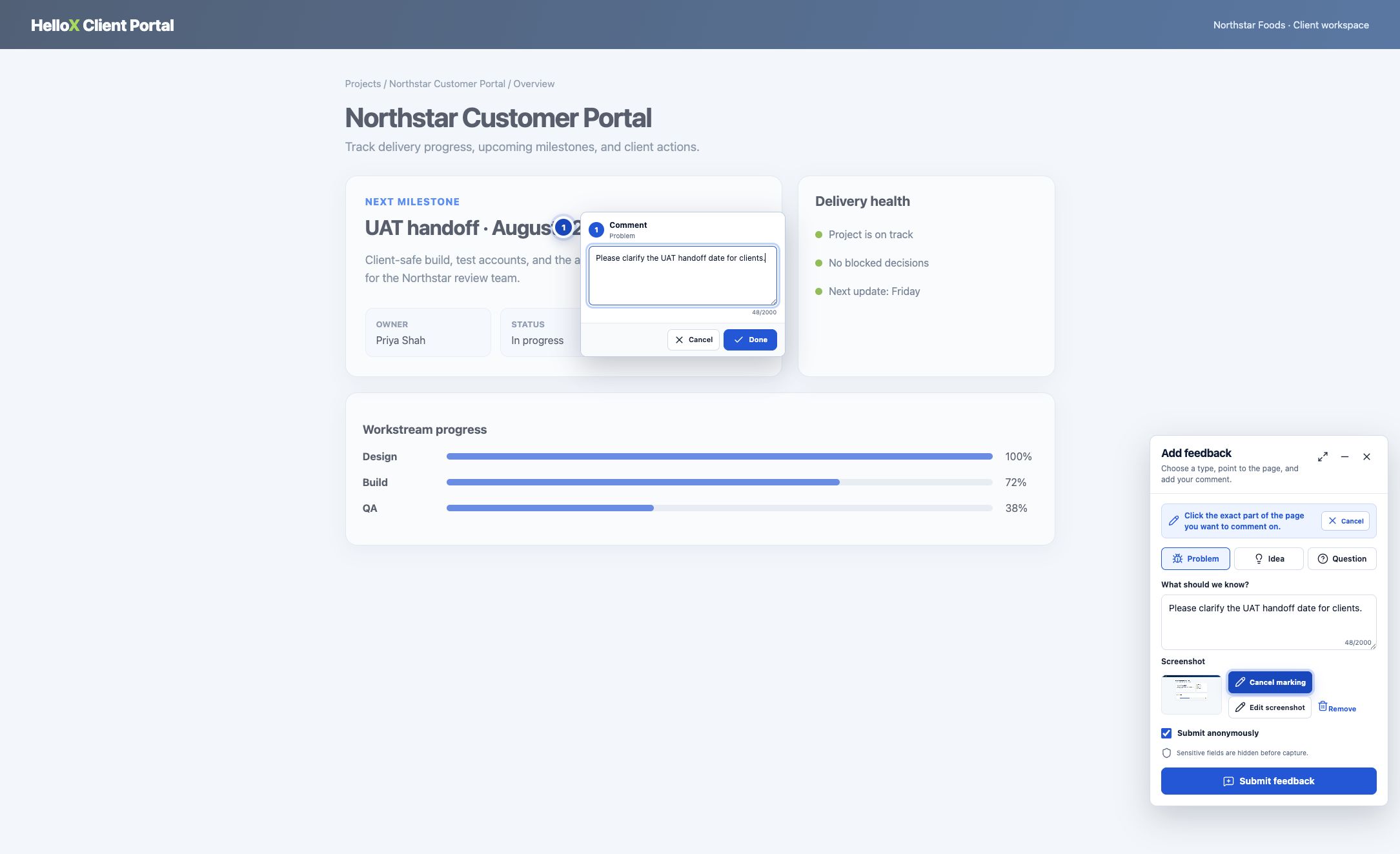
Click the part of the page you want to comment on. Marker 1 appears immediately.
 Feedback
by HelloX
Feedback
by HelloX
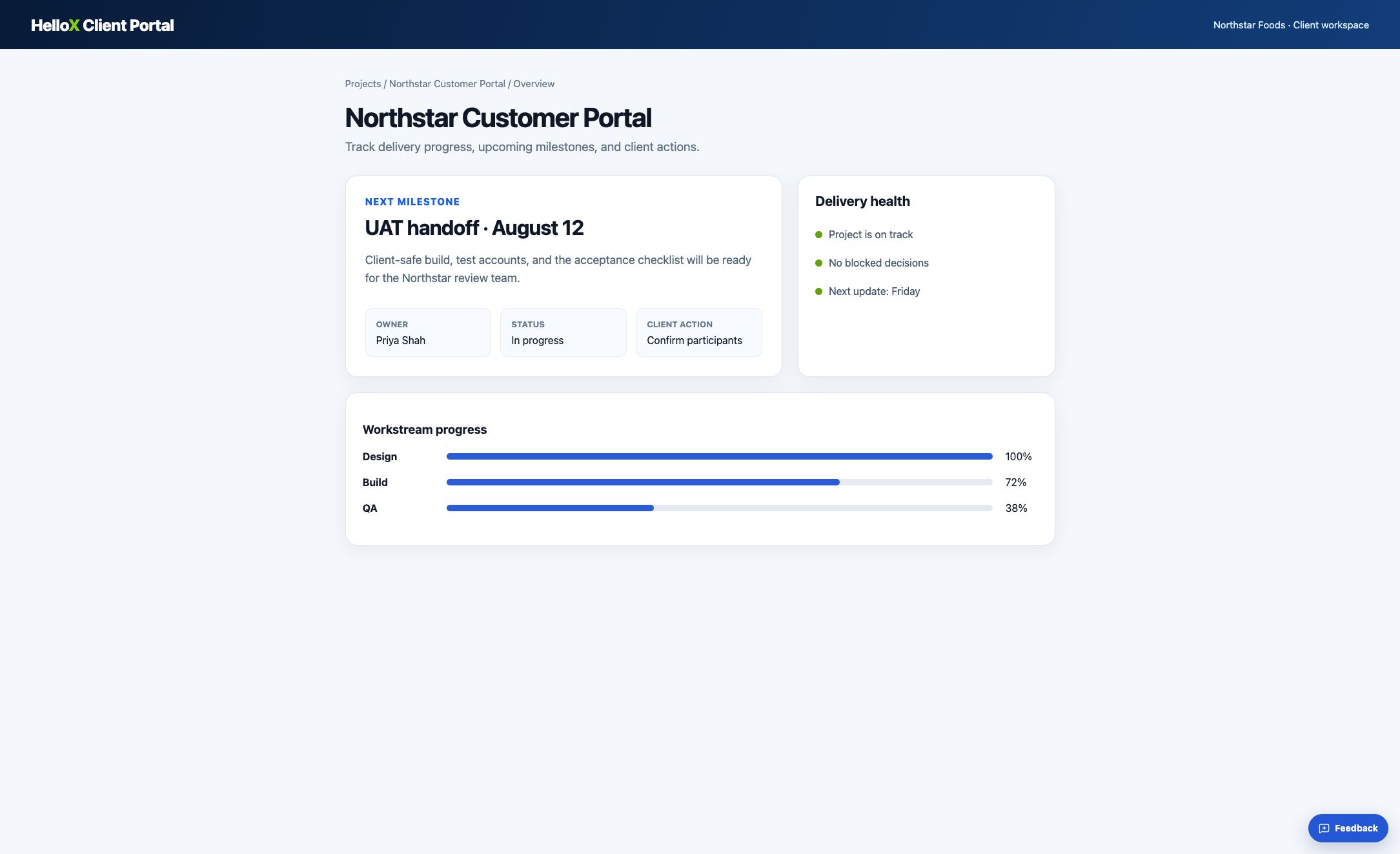
Click the exact part of a page, add a short comment, and send visual context without leaving your work.
Website integrationFeedback opens ready to mark—no extra mode to switch on.
Click the part of the page you want to comment on. Marker 1 appears immediately.
Choose Problem, Idea, or Question, then describe what you need.
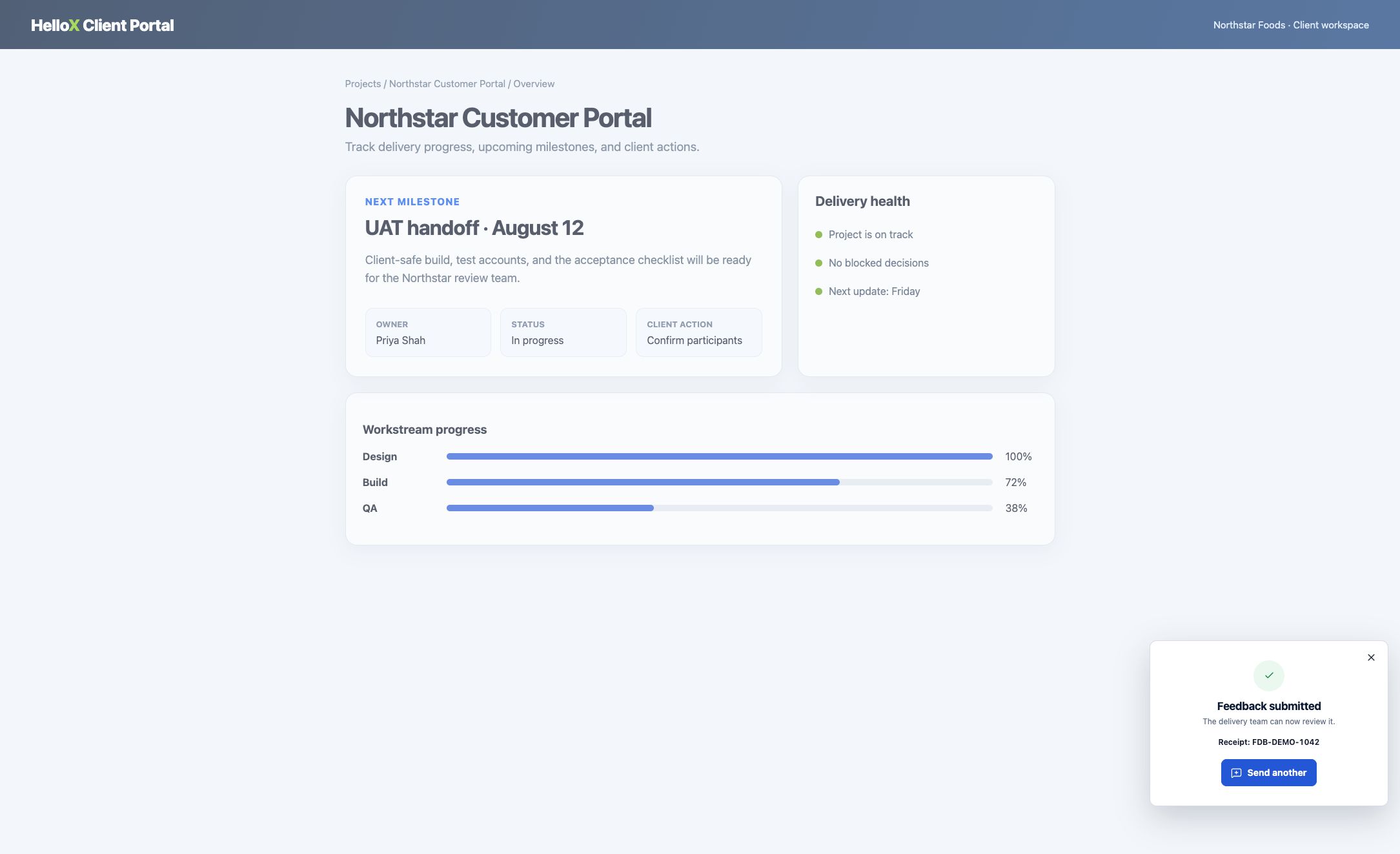
Your marker, comment, screenshot, and page URL stay together.
People can share feedback without becoming members of your Delivery Hub project. Your project team keeps the access it needs to review, triage, and follow up.
No Delivery Hub account required.
Identity is verified by your website or app.
Let each person use the right path.
Signing in to send feedback does not grant Delivery Hub access.
Clear answers about where the product fits, what it does, and when another tool may be a better choice.
Product information reviewed .
Open Feedback and marking starts immediately. Click the exact part of the page, choose Problem, Idea, or Question, add a short note, and submit the visual context.
No. Anonymous submission does not require an account. In authenticated mode, the host website verifies identity; that still does not grant Delivery Hub membership or access.
The project team reviews, triages, and follows up inside Delivery Hub according to its project access. Reporter eligibility remains separate from project membership.
Add HelloX Feedback to your client portal, website, or web app.